Run the Day From One List, Not Five Chat Groups
Knowing how to manage daily maintenance tasks comes down to one habit: every job, from a leaking pipe to the weekly genset test, lives on one list with one owner, one due time and one way of proving it was done. Most maintenance teams in Malaysia do not have a skills problem. They have a list problem. Jobs arrive through WhatsApp groups, phone calls, walk-in complaints and a PPM spreadsheet, and the supervisor spends the morning working out what the day actually holds.
By lunchtime, a faulty aircond on level 3 has been reported twice in two different chat groups, a contractor has said the pump is fixed without sending a photo, and the weekly genset test has quietly moved to tomorrow. None of this is anyone's fault. It is what happens when the day's work is spread across five places.
This guide sets out a seven-step routine for running daily maintenance from one list, and shows how Nexus ICMMS supports each step. The routine works with any tool, but it is far easier when the system does the chasing for you.
Why Daily Maintenance Tasks Slip Through
Daily maintenance work is a mix of three streams: complaints and breakdowns that arrive without warning, routine work that repeats every day or week, and follow-ups from yesterday's jobs. Trouble starts when each stream is tracked in a different place.
Common issues we see in Malaysian maintenance teams include:
- Jobs reported in several WhatsApp groups, so the same fault is logged twice and another is missed entirely.
- No clear owner, so a job assigned to "the team" belongs to nobody.
- Routine daily checks ticked on paper at the end of the shift, not at the asset.
- Priorities set by whoever chases the loudest, not by impact or SLA.
- "Done" reported verbally, with no photo, time or location to back it up.
- Supervisors spending the last hour of every day compiling an update for management by hand.
For facility management companies, local councils and cleaning and housekeeping contractors handling hundreds of jobs a week across several sites, these gaps add up to missed SLAs, repeat complaints and disputed claims.
How to Manage Daily Maintenance Tasks in Seven Steps
The routine below works whether you have five technicians or fifty. Each step closes one of the gaps above.
1. Capture every request in one place. Every complaint, breakdown and request becomes a ticket, submitted via web or mobile with a photo, instead of a message in a chat group. If a job is not in the system, it does not exist. That one rule ends most duplicate and missing jobs on its own.
2. Triage by priority, not by volume. Classify each job as Critical, High, Medium or Low as it comes in, with a target response time for each level. A tripped main breaker and a squeaky door should never sit in the same place in the queue.
3. Let routine work generate itself. Daily rounds, weekly tests and periodic servicing should appear on the list automatically from the maintenance schedule, not depend on someone remembering. Our preventive maintenance software guide explains why planned work must sit in the same queue as breakdowns.
4. Assign one owner and one due time. Every task goes to a named technician, team leader or contractor with a due time. "The M&E team" is not an owner. A person is.
5. Close the job at the asset, with proof. Technicians complete the task on their phone at the asset with before-and-after photos and GPS location, using a digital checklist where one applies. Our inspection checklist guide covers how to structure those checklists.
6. Verify before it counts as done. A supervisor or the client checks the evidence and verifies the job. Completed and verified are two different statuses for a reason: one is a claim, the other is a fact.
7. Review the day in ten minutes. Before the shift ends, check three numbers: jobs still open, jobs overdue, and jobs closed without proof. Anything overdue gets a new owner or a reason, and carries into tomorrow's list with its history intact.
A Daily Routine for Maintenance Supervisors
Once the system is set up, most of the seven steps happen on their own. What remains is a short routine for the supervisor:
| Time | What to check | Why it matters |
|---|---|---|
| 8:00 am | New tickets overnight, today's routine tasks, overdue jobs from yesterday | Start the day with the full list, not a scroll through chat groups |
| 8:30 am | Assign every unassigned job to a named person | Unowned jobs are the ones that slip |
| 12:30 pm | Critical and High jobs still open | Escalate before the SLA is breached, not after |
| 4:30 pm | Jobs completed but not verified, jobs closed without photos | Fix gaps in proof while the technician is still on site |
| 5:00 pm | Open and overdue jobs by site | Hand a clean picture to management and the next shift |
Done consistently, this routine replaces the end-of-day WhatsApp roll call and the weekly scramble to rebuild what happened from memory.
How Nexus ICMMS Helps
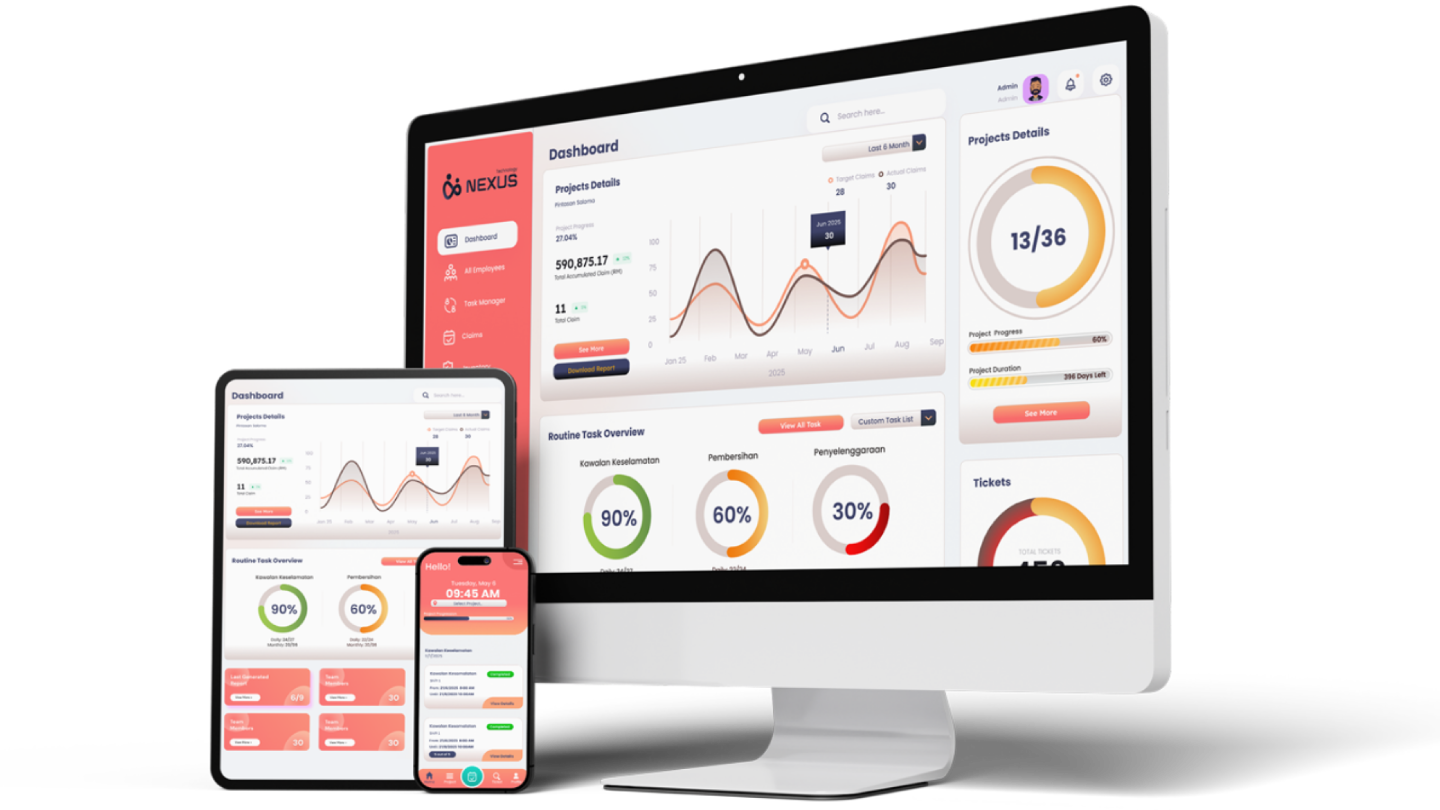
Nexus ICMMS is an integrated maintenance management system built for Malaysian facility, field and multi-site operations. Each step of the routine above maps to something the platform already does:
- Complaints submitted via web or mobile with photos, auto-categorised and converted into work orders through the Ticket System.
- Critical, High, Medium and Low priorities, with automatic escalation for unresolved tickets.
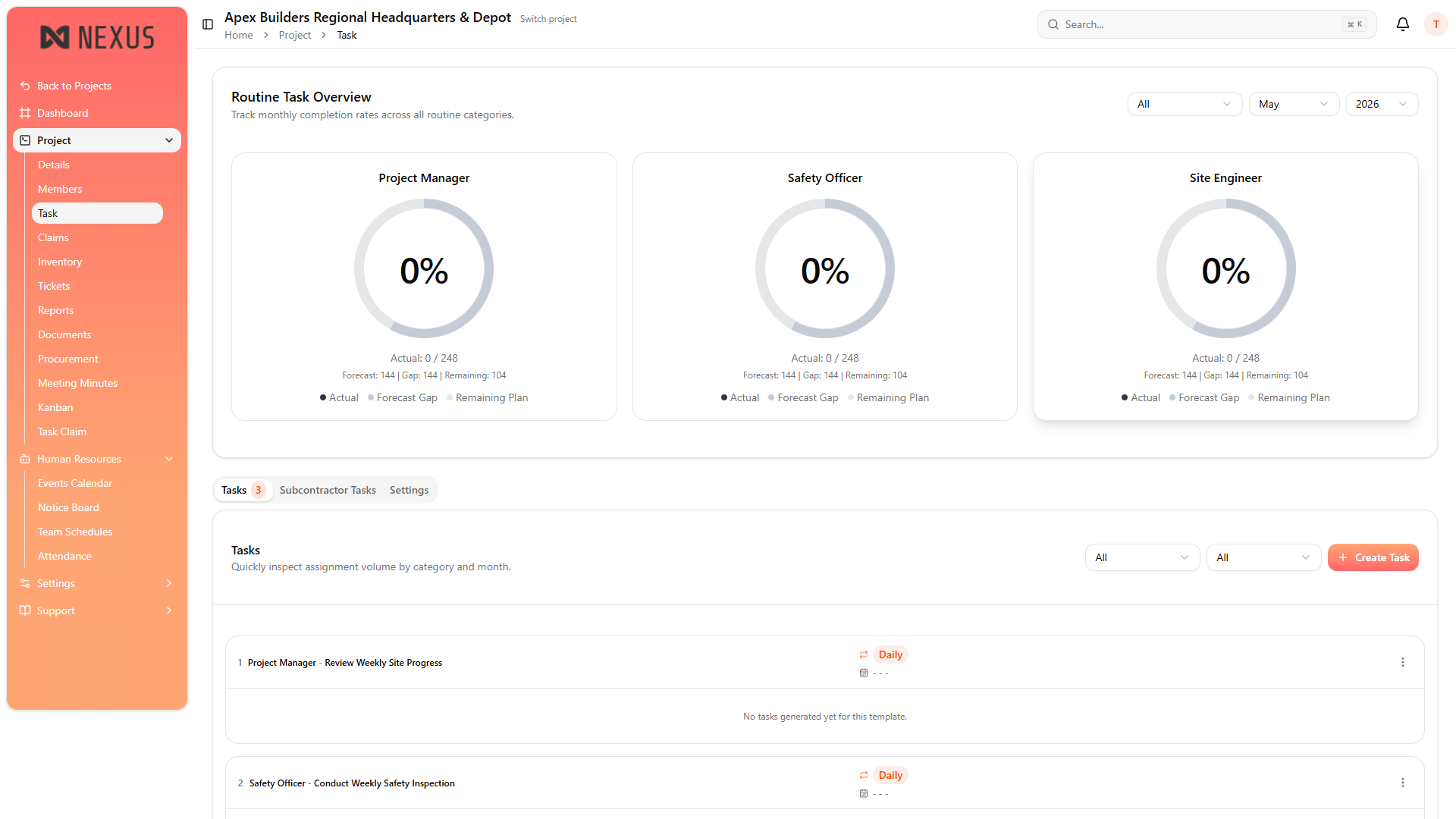
- Daily, weekly and periodic tasks generated automatically from maintenance schedules in NexTask.
- Work assigned to staff and contractors, with attendance and field activity tracked through NexStaff.
- Geo-tagged before-and-after photos uploaded from the mobile app as proof of completion.
- Full lifecycle tracking, from Created to Assigned, In Progress, Completed and Verified, with an audit trail for every change.
- Automatic alerts for overdue tasks and approaching SLA deadlines.
- Spare parts and materials used on each job linked through NexInventory.
- Claims compiled from verified work orders in NexClaim, so contractors bill from evidence, not memory.
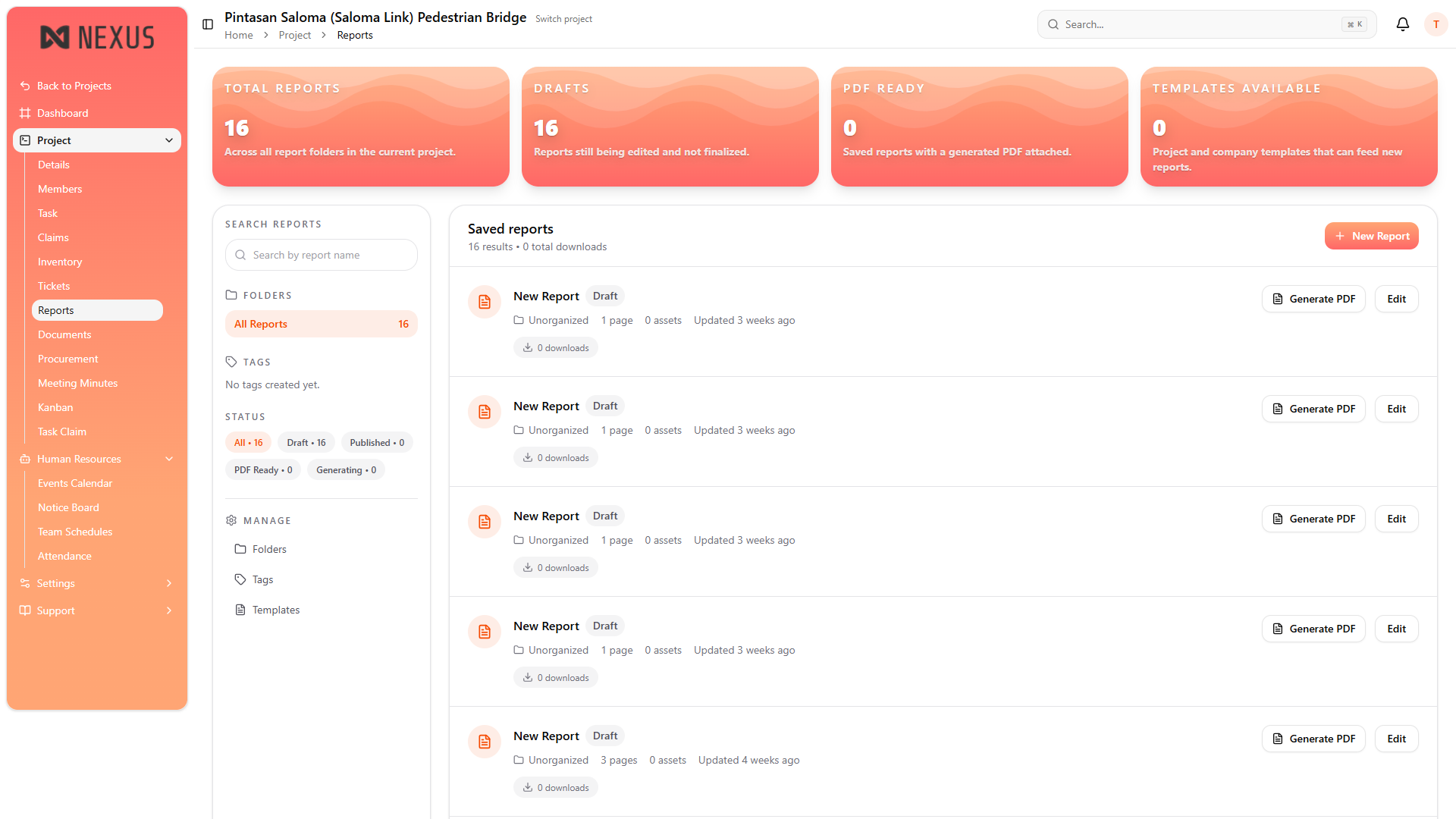
- Daily, weekly and monthly reports generated automatically through NexReport.
That last point is where the daily routine pays off. Because every job is recorded as it happens, the monthly report is effectively already written. Nexus customers have cut report preparation from 5 days to 30 minutes. For the management-level view of the same data, see our article on the Nexus operations dashboard.
WhatsApp and Excel vs Nexus
| WhatsApp and Excel | With Nexus |
|---|---|
| Jobs reported across several chat groups | Every request logged once as a ticket |
| Priority set by whoever chases the loudest | Critical, High, Medium and Low with escalation |
| Routine checks depend on someone remembering | Daily and weekly tasks generated from the schedule |
| Jobs assigned to "the team" | Every task has a named owner and a due time |
| "Done" reported in chat | Photo and GPS proof captured at the asset |
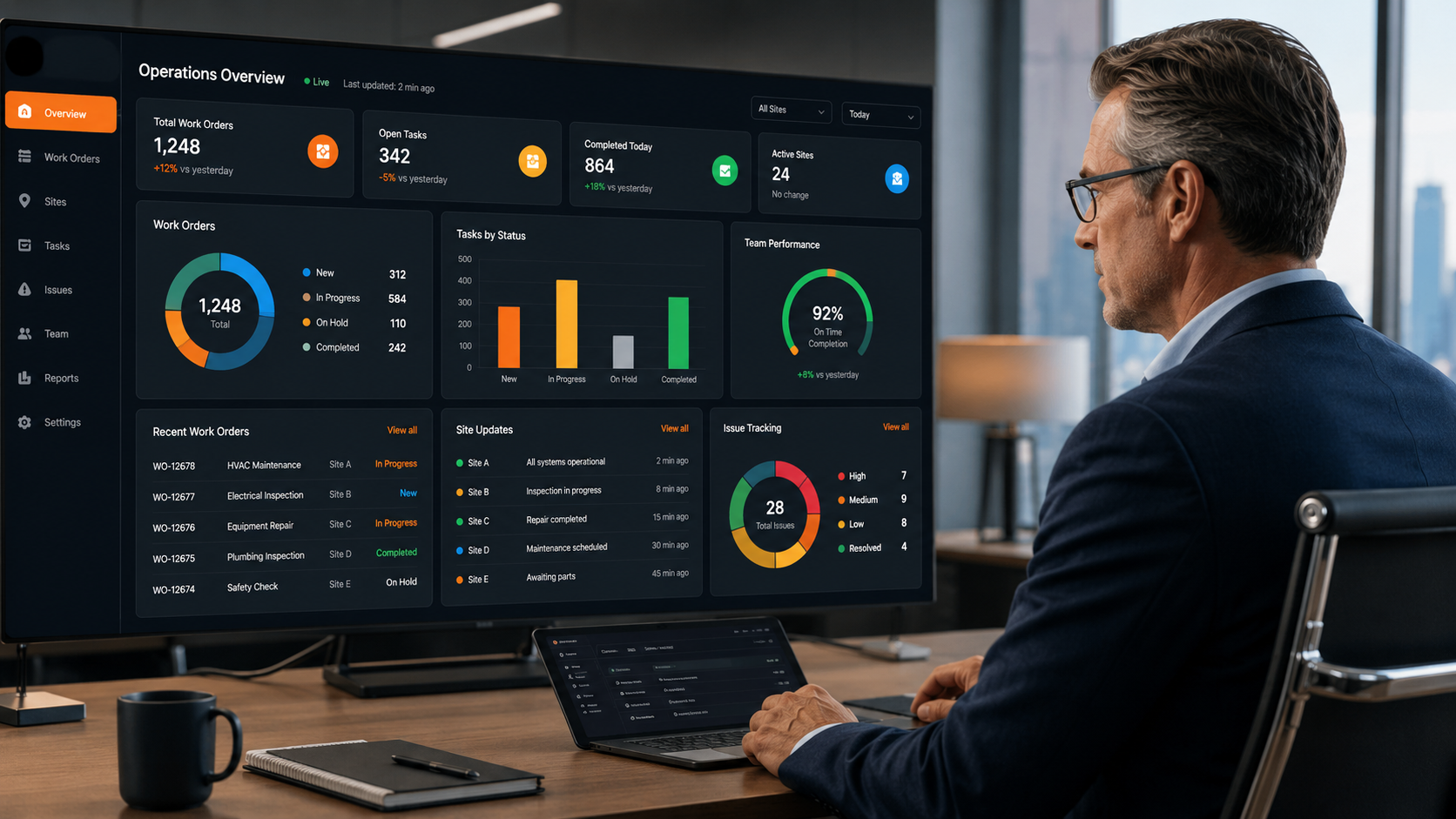
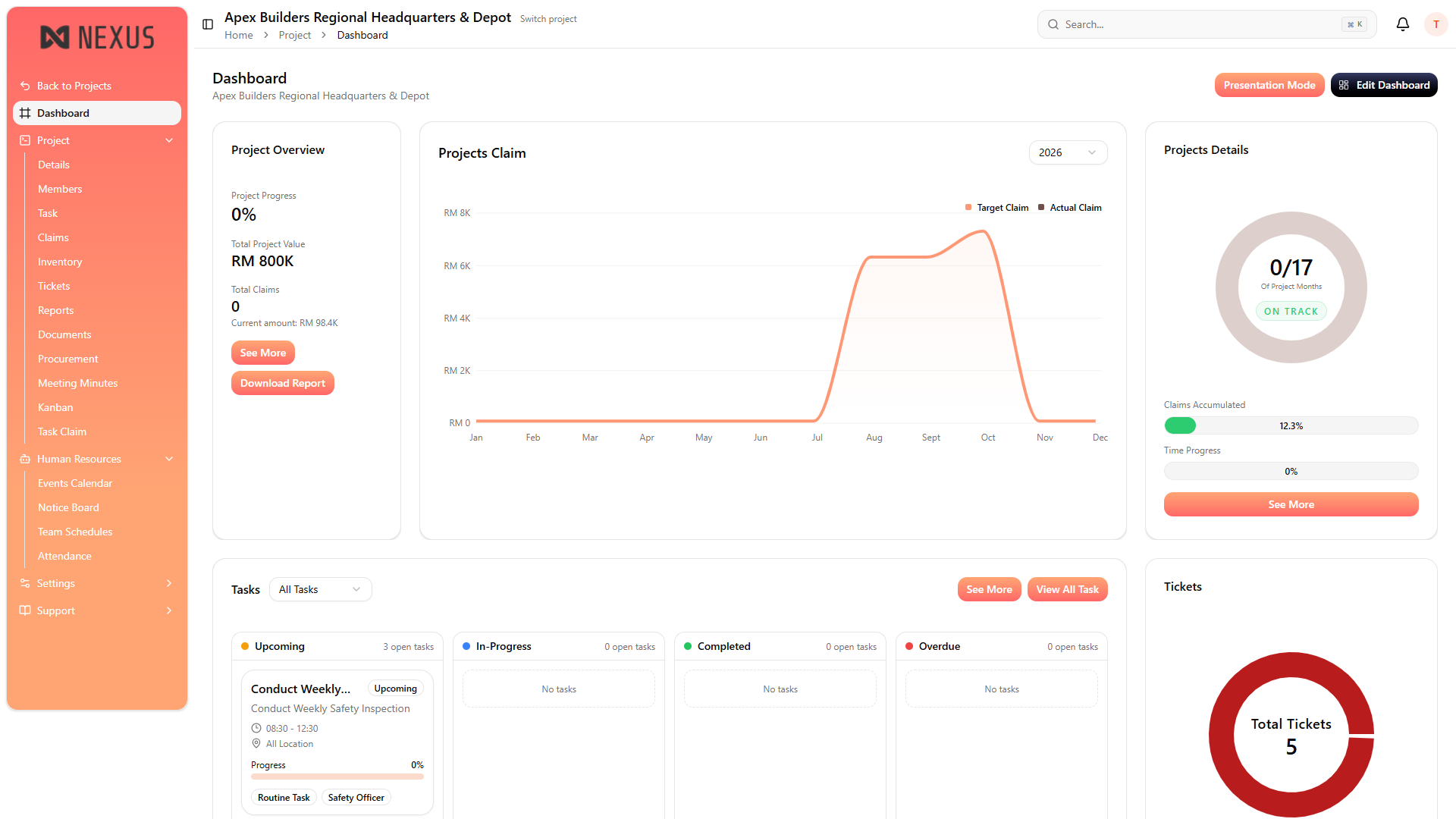
| End-of-day update compiled by hand | Open, overdue and completed status live on the dashboard |
Who Should Use This Approach?
This routine suits maintenance supervisors, facility managers, M&E contractors, building and property managers, hospitals, schools and campuses, shopping malls and any team handling a steady stream of daily jobs across one or more sites. If you are still choosing a system, our buyer's checklist for choosing CMMS software lists the questions to ask before you sign.
Conclusion
Managing daily maintenance tasks well is less about working harder and more about where the work lives. When jobs are scattered across chat groups, spreadsheets and memory, the supervisor's day is spent finding work instead of finishing it.
Put every job on one list, give it one owner and a due time, close it at the asset with proof, and review the day before the shift ends. Nexus ICMMS supports each step, so the routine runs every day without relying on reminders in WhatsApp.
FAQ
How do you manage daily maintenance tasks effectively? Log every job in one system, set a priority and due time, assign it to one named person, require photo proof at completion, and review open and overdue jobs at the end of every shift.
What should a daily maintenance checklist include? Routine rounds for critical assets, readings and visual checks, safety items, and a clear pass or fail for each item, filled in at the asset rather than at the end of the shift.
Is WhatsApp good enough for managing maintenance tasks? It works for quick conversations, but not as a task list. Jobs get buried, ownership is unclear, and there is no reliable record for reports, audits or claims.
How does Nexus prioritise maintenance jobs? Tickets are classified as Critical, High, Medium or Low, with automatic escalation when they stay unresolved. Overdue tasks trigger alerts so they cannot sit quietly.
Can contractors use Nexus for daily tasks? Yes. Contractors and subcontractors can be given role-based access to receive tasks, upload photo and GPS proof, and close work orders without seeing data that is not theirs. See also how multi-site operators cut LAD penalties.
Are Nexus reports available in Bahasa Melayu? Yes. Reports support BM natively, which matters for government and PBT clients. Our ICMMS guide explains how the whole platform fits together.
Still running the day from WhatsApp groups and a spreadsheet?
Use Nexus to put tickets, routine tasks, proof of work and reports on one list. Book a demo and see your team's open and overdue jobs in one view.