Eight Questions to Ask Before You Sign
Knowing how to choose CMMS software comes down to a simple test: will your technicians actually use it on site, and will management trust the reports it produces? Almost every CMMS demo looks good. Dashboards are clean, work orders flow neatly, and the sample data never has a missing photo. The difference shows up three months after go-live, when real technicians, real contractors and real breakdowns hit the system.
Many Malaysian operators have been through at least one failed rollout. The software was bought, a few people were trained, and within a quarter the team was back on WhatsApp and Excel because the system was harder to use than the old habits.
This guide is a buyer's checklist. It will not tell you which brand to buy. It gives you eight questions to put to every CMMS vendor in Malaysia — including us — so you can compare them on what matters after the demo ends.
Why Choosing CMMS Software Is Harder Than It Looks
A CMMS (computerized maintenance management system) is not a product you evaluate once. It becomes the daily tool for technicians, supervisors, admin staff, contractors and management, and each group needs something different from it. If you are new to the terms, our plain-English ICMMS guide explains how CMMS and ICMMS differ.
Common mistakes we see when Malaysian companies choose maintenance software include:
- Choosing based on the number of features rather than how the field team will use it.
- Evaluating only the manager's dashboard, never the technician's mobile screen.
- Assuming the vendor's reports will match what your clients and auditors require.
- Ignoring how contractors and subcontractors will log their work.
- Underestimating the time needed to load assets, sites and users.
- Comparing licence prices without counting the admin hours the system should save.
Eight Questions to Ask Any CMMS Vendor
Use these questions during every demo. Ask the vendor to show the answer in the product, not describe it on a slide.
1. Will technicians use it on site? Ask to see the mobile app as a technician would use it, on a mid-range phone, with poor signal. If closing a work order takes more than a minute, adoption will suffer.
2. How is completed work proven? A status change to "done" is not evidence. Look for photo and GPS proof captured at the asset, with timestamps that cannot be edited later. This is what protects you in SLA disputes and LAD penalty claims.
3. Do planned and reactive work live together? Preventive maintenance that runs in a separate module or spreadsheet tends to lose to breakdowns. Our preventive maintenance software guide explains why this matters.
4. What do the reports actually look like? Ask for a sample monthly report generated from live data. Check whether it matches the format your clients, PBT or government agency expects, and whether it is available in Bahasa Melayu.
5. Can it handle multiple sites and contractors? If you run more than one site, ask how management sees status across all of them at once, and how external contractors are given limited access without seeing everything.
6. Is maintenance connected to the rest of operations? Work orders rarely live alone. Ask how the system links to inventory and spare parts, staff attendance, claims and reporting. Disconnected tools mean data gets re-entered, and re-entered data drifts.
7. What does implementation involve? Ask who loads the asset register, how long setup takes, how users are trained, and what support looks like after go-live. A CMMS implementation checklist from the vendor is a good sign. Vague answers are not.
8. What is the real cost? Compare the full cost — licences, setup, training and support — against the admin hours the system will save. See how Nexus approaches this on our pricing page.
A Simple CMMS Implementation Checklist
Once you have chosen, the rollout decides whether the investment pays off. A practical CMMS implementation checklist for Malaysian operations looks like this:
- Agree the scope first — which sites, which asset types, which teams go live in phase one.
- Clean the asset register before loading it, including locations and asset tags.
- Define roles and access for technicians, supervisors, contractors and management.
- Set up the reports you must submit — client, SLA and audit formats — before go-live, not after.
- Pilot on one site for a few weeks, then fix what the field team complains about.
- Retire the old channel — once the system is live, work reported only over WhatsApp should not count as done.
- Review adoption monthly using the system's own data: open jobs, overdue work, and missing evidence.
How Nexus ICMMS Answers the Checklist
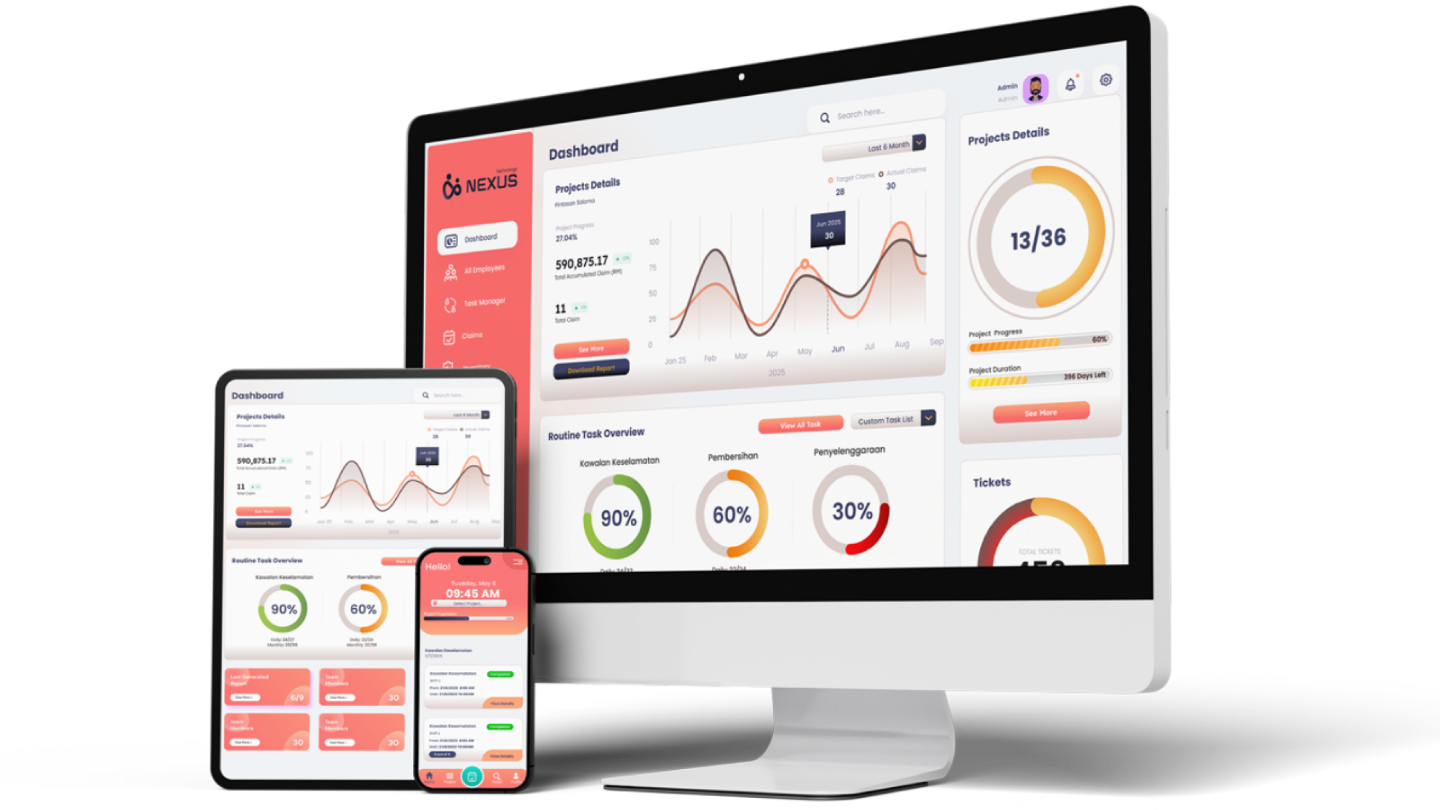
Nexus ICMMS was built as an integrated maintenance management system for Malaysian facility, field and multi-site operations. Here is how it maps to the questions above:
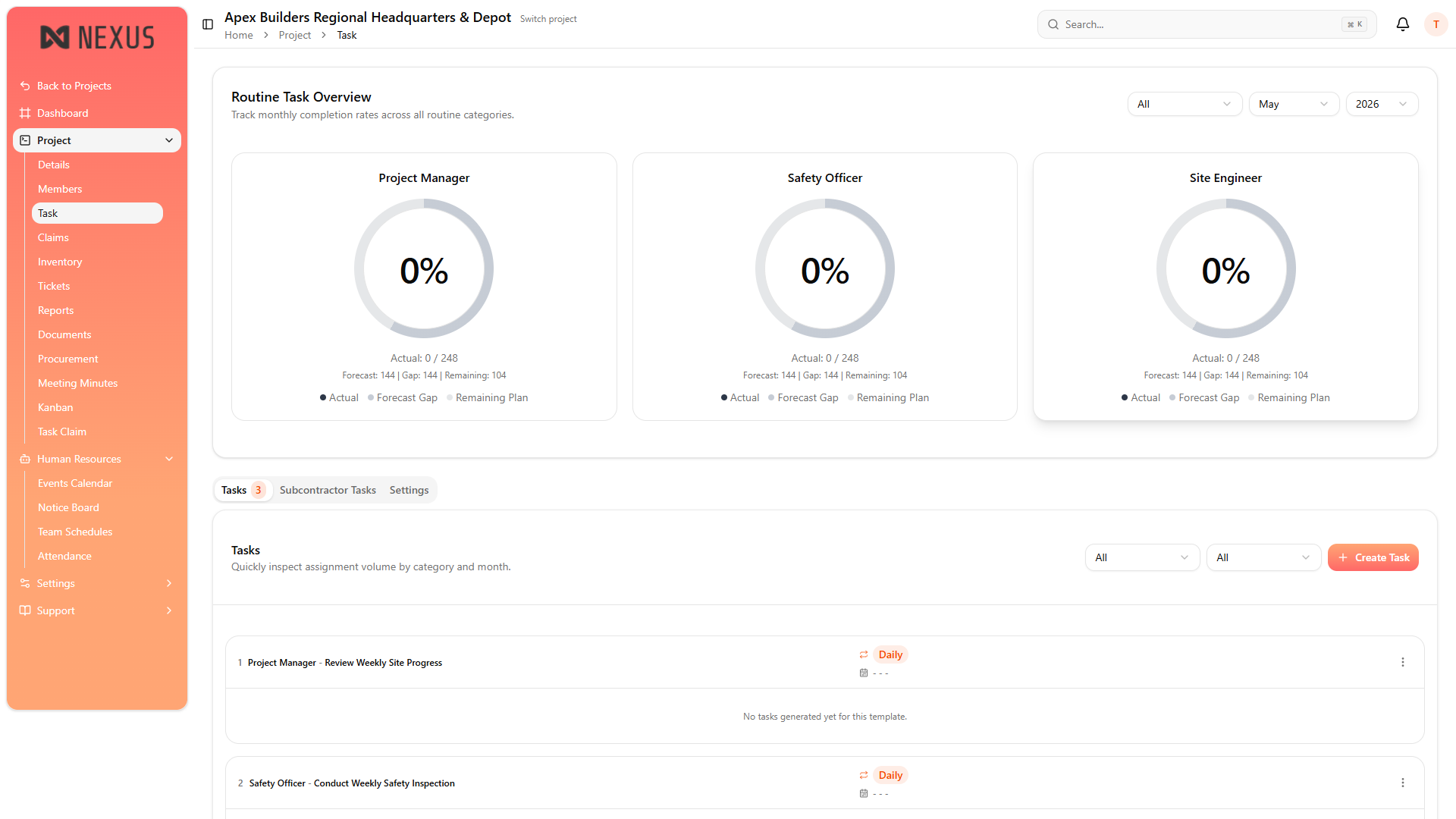
- Work orders, planned servicing and breakdowns run in one queue through NexTask.
- Completion is backed by photo and GPS evidence at the asset, with a full audit trail.
- Staff and contractor activity is tracked through NexStaff.
- Spare parts and assets are linked through NexInventory.
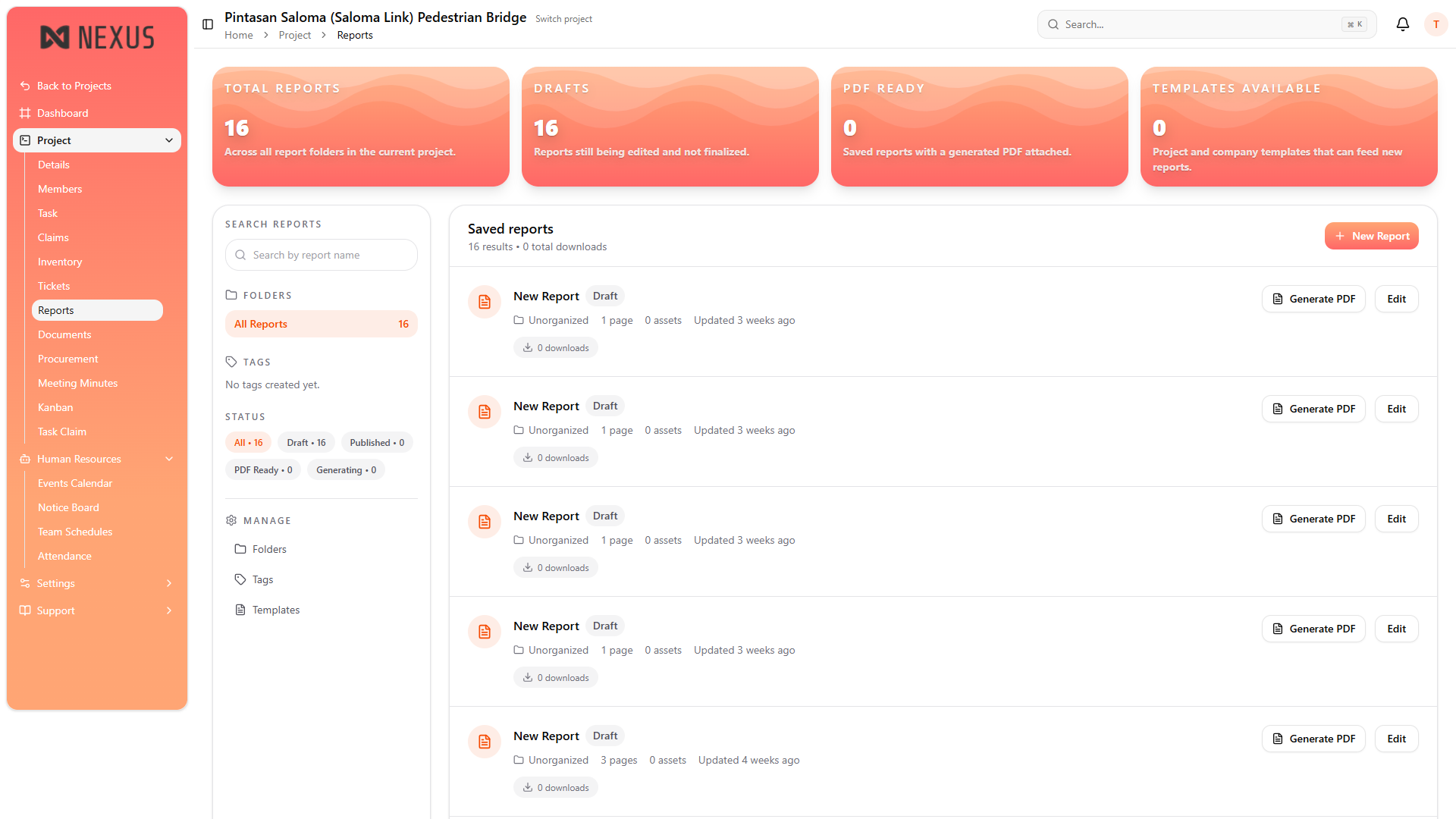
- Reports are generated automatically through NexReport, with BM support.
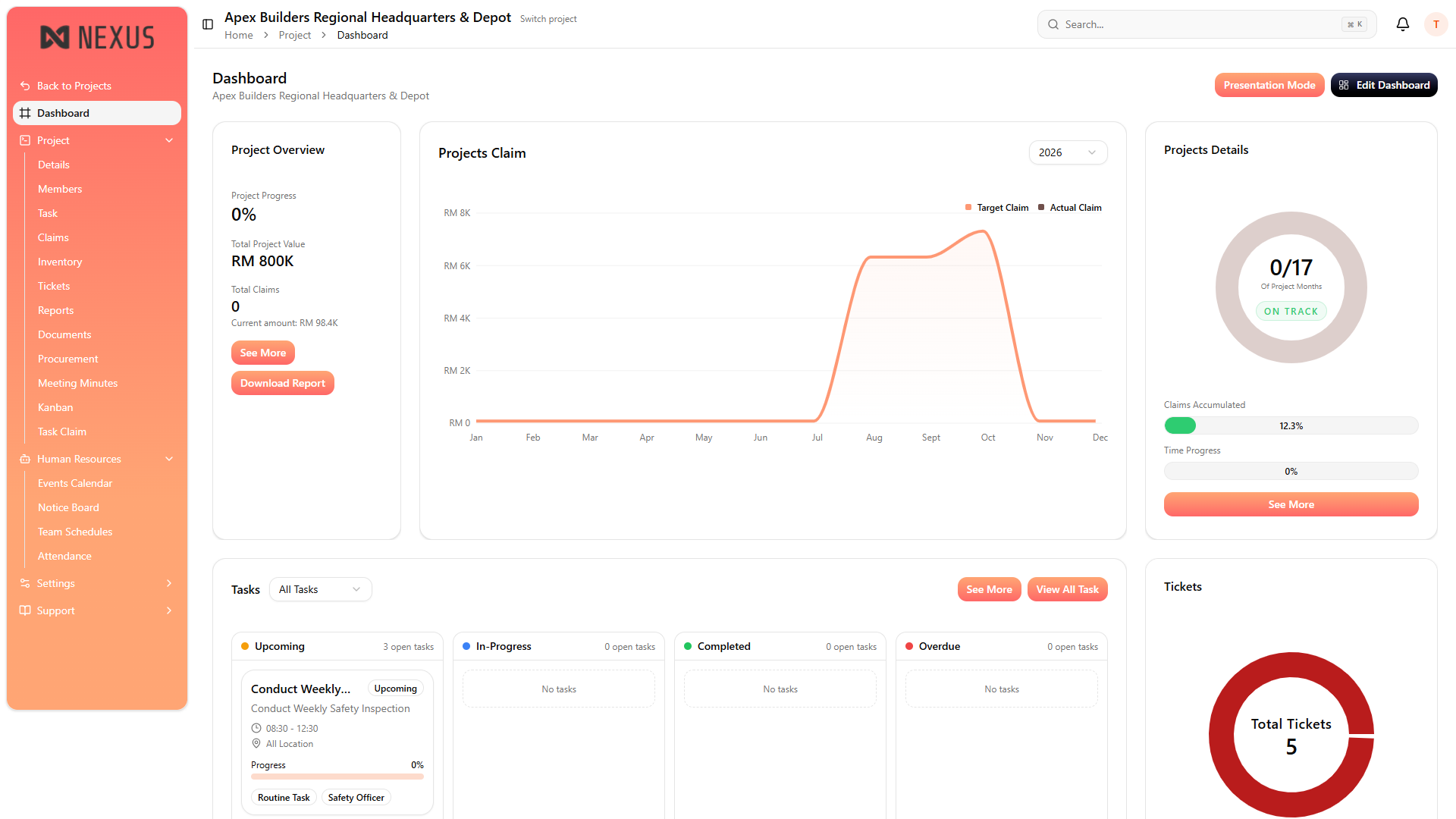
- Multi-site status rolls up into one dashboard with role-based access for internal and external users.
Spreadsheets and Chat Groups vs a Proper CMMS
| WhatsApp and Excel | With a CMMS like Nexus |
|---|---|
| Jobs reported in chat groups and lost in the scroll | Every job logged as a structured work order |
| Proof is a photo somebody forwarded | Photo and GPS proof captured at the asset |
| Planned servicing tracked in a separate sheet | Planned and reactive work in one queue |
| Monthly report built by hand over several days | Reports generated automatically from live data |
| Each site reports in its own format | One view across every site |
| No record of who changed what | Full audit trail with role-based access |
Who Is This Checklist For?
It is written for facility management companies, M&E contractors, building and property managers, factories, local authorities, government agencies and any operation comparing CMMS vendors in Malaysia for the first time or replacing a system that the field team stopped using.
Conclusion
The best CMMS software for a Malaysian operator is not the one with the longest feature list. It is the one your technicians will use on site every day, that proves the work was done, and that produces the reports your clients and auditors actually ask for.
Take the eight questions into every demo, insist on seeing the answers in the product, and run a pilot before you commit. If you would like to put Nexus through the same test, we are happy to be compared.
FAQ
What is the most important factor when choosing CMMS software? Field adoption. If technicians and contractors do not use the mobile app on site, the data never reaches the system and every report becomes unreliable.
What is the difference between CMMS and ICMMS? A CMMS manages maintenance work and assets. An ICMMS integrates maintenance with workforce, claims, inventory and reporting in one platform. Our ICMMS guide explains the difference in detail.
How long does CMMS implementation take? It depends on the number of sites, assets and users. A phased rollout that pilots one site first is usually faster and safer than launching everywhere at once.
How much does CMMS software cost in Malaysia? Pricing varies by users, sites and modules. Compare the full cost against admin time saved rather than licence price alone. See our pricing page for how Nexus is structured.
Should the CMMS support Bahasa Melayu? For Malaysian teams, yes. BM support matters for field staff adoption and for reports submitted to government and PBT clients.
Can I see Nexus before deciding? Yes. Book a demo and bring this checklist. We will answer each question in the product.
Comparing CMMS vendors right now?
Use this checklist with every vendor, including Nexus. Book a demo and see how Nexus handles work orders, proof, planned maintenance and reports in one platform.